
USB ports and cables are part of everyday life. Whether you are charging a smartphone, transferring files from a laptop, connecting a keyboard, or powering a portable SSD, you are likely using some form of USB.
However, many people still wonder: what is the actual difference between USB-A vs USB-C?
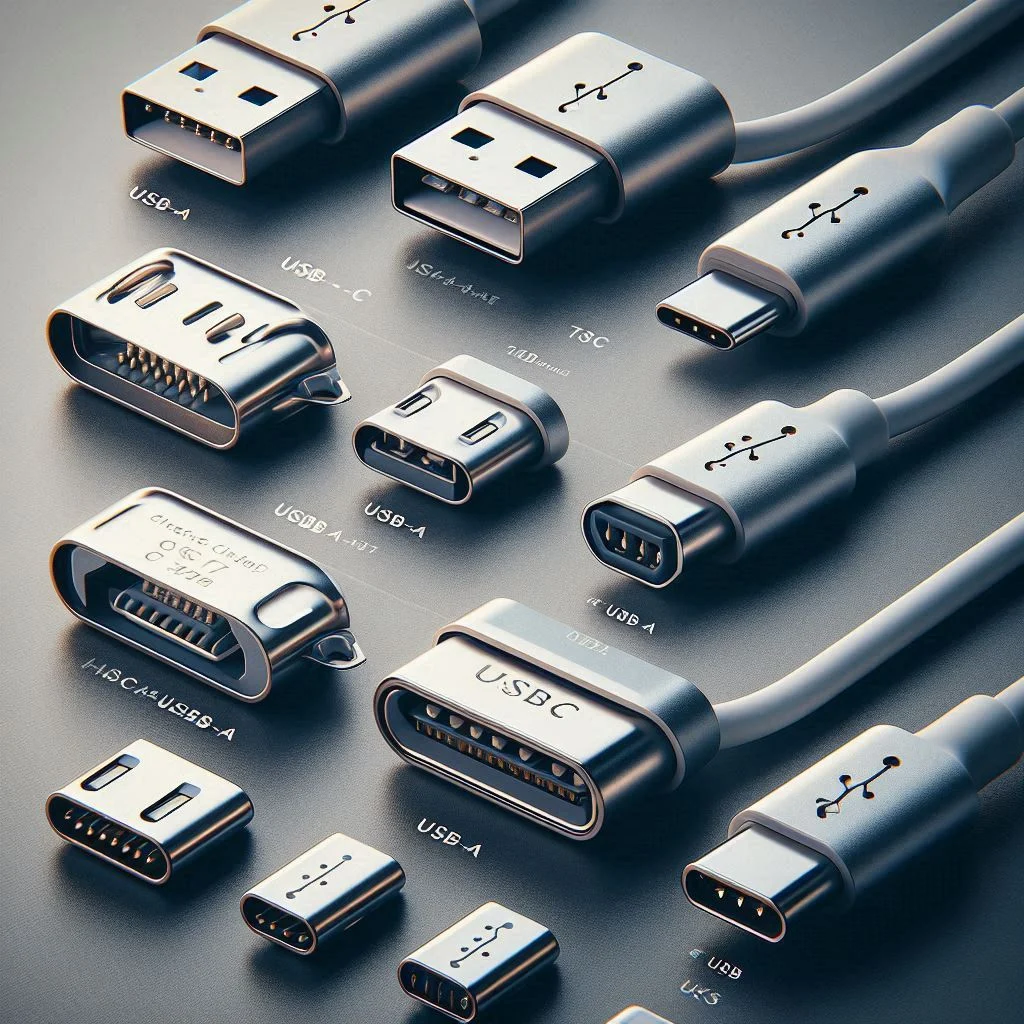
At first glance, the difference may seem simple. USB-A is the older rectangular connector that has been around for decades, while USB-C is the newer, smaller, reversible version found on modern phones, laptops, tablets, and accessories.
But the real difference goes much deeper. USB-C offers faster charging, higher data transfer speeds, support for video output, and better compatibility with modern devices. USB-A still remains useful, but it is increasingly being phased out.
In this guide, we will explain USB-A vs USB-C in detail, including design, speed, charging power, compatibility, and which one is better for different uses.
What Is USB-A?
USB-A, often called “Standard USB,” is the original flat rectangular connector introduced in the late 1990s.
It became the most common USB port for years and is still found on many older devices such as:
- Desktop computers
- Older laptops
- TVs
- Gaming consoles
- Car chargers
- Power banks
- Wall chargers
The connector is easy to recognize because of its rectangular shape and one-way insertion design.
You must plug USB-A in the correct direction. If it does not fit, you flip it over and try again.
What Is USB-C?
USB-C is the latest USB connector standard. It was introduced to replace older USB types, including USB-A, Micro-USB, and Mini-USB.
USB-C is smaller, more modern, and fully reversible. That means it can be plugged in either way.
Today, USB-C is widely used in:
- Android smartphones
- Modern iPhones
- Laptops
- Tablets
- Wireless earbuds
- Portable SSDs
- Gaming handhelds
- Modern chargers
USB-C is designed to be a universal connector that can handle charging, data transfer, audio, and even video through a single cable.
Physical Design: USB-A vs USB-C
The biggest visible difference between USB-A and USB-C is their shape.
USB-A is:
- Large and rectangular
- One-sided
- Usually found on older devices
USB-C is:
- Smaller and oval-shaped
- Reversible
- Designed for modern, thinner devices
Because USB-C is smaller, manufacturers can use it in slim devices such as ultrabooks, smartphones, and tablets.
USB-C also eliminates the frustration of trying to insert a cable the wrong way.
USB-C Is Reversible
One of the most practical advantages of USB-C is that it works in either orientation.
With USB-A, users often waste time trying to plug it in correctly.
USB-C removes that problem completely. No matter which side is facing up, it fits.
This may seem like a small improvement, but it greatly improves convenience in daily use.
Charging Speed: USB-C Is Much More Powerful
One of the biggest reasons USB-C is replacing USB-A is charging speed.
Traditional USB-A ports typically provide limited charging power.
USB-A usually supports:
- 5W to 12W charging
- Standard charging for older devices
USB-C can support:
- 18W, 30W, 65W, 100W, and even higher
- Fast charging for phones, tablets, and laptops
USB-C supports a technology called USB Power Delivery (USB PD), which allows devices to safely receive much more power.
For example:
- A USB-A charger may take 2–3 hours to charge a phone
- A USB-C fast charger can charge the same phone to 50% in around 30 minutes
USB-C can even charge large devices like laptops.
USB-C Supports Laptop Charging
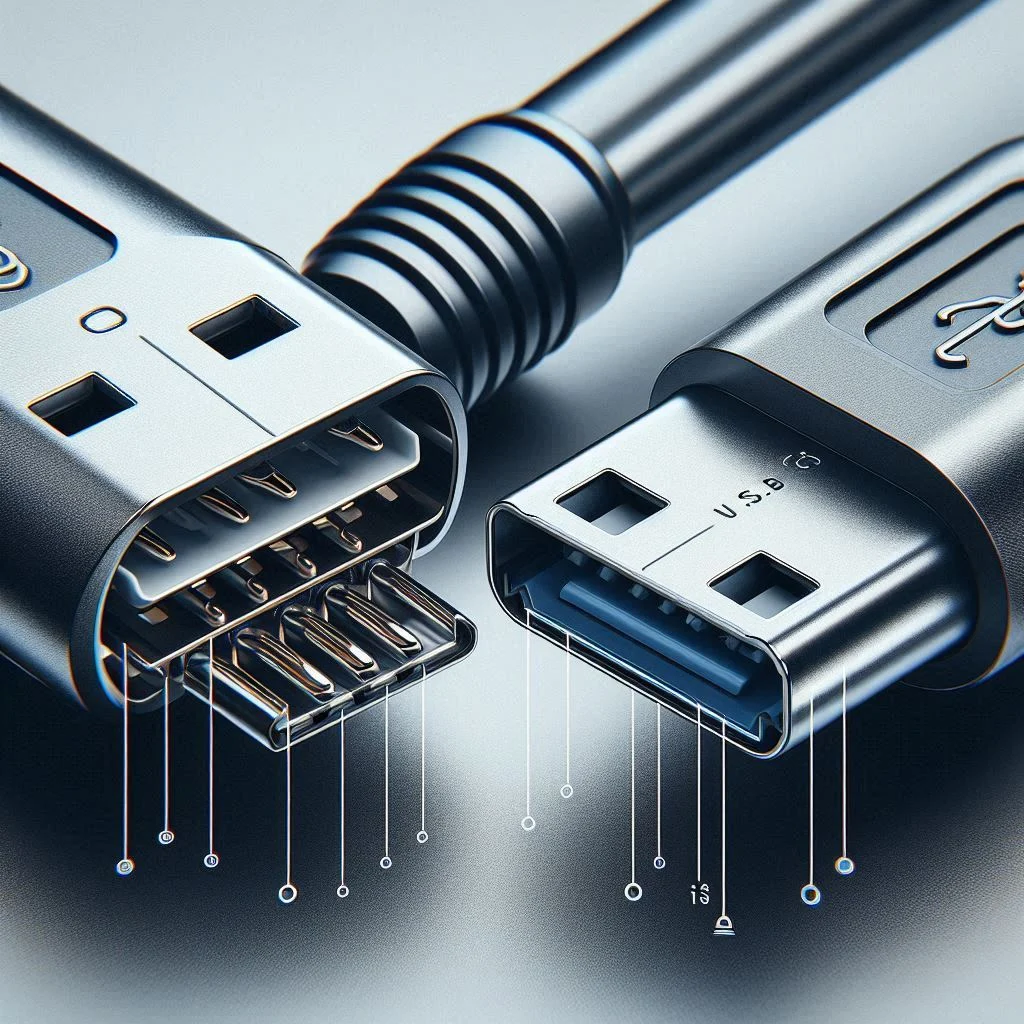
One of the major differences between USB-A and USB-C is that USB-C can charge laptops.
Many modern laptops now use USB-C instead of traditional charging ports.
Examples include:
- Apple MacBook
- Dell XPS
- Lenovo ThinkPad
- HP Spectre
- ASUS Zenbook
USB-A does not provide enough power to charge most laptops.
If you want a single charger that can power your phone, tablet, and laptop, USB-C is the better choice.
Data Transfer Speeds: USB-C Can Be Much Faster
Another major difference is file transfer speed.
USB-A was designed when data transfer needs were much lower.
Depending on the version, USB-A supports:
- USB 2.0: Up to 480 Mbps
- USB 3.0: Up to 5 Gbps
- USB 3.1: Up to 10 Gbps
USB-C can support much faster speeds, depending on the device and cable:
- USB 3.2: Up to 20 Gbps
- USB4: Up to 40 Gbps
- Thunderbolt 3 and 4: Up to 40 Gbps
This makes USB-C much better for:
- Transferring large videos
- Backing up files
- Using external SSDs
- Professional editing workflows
For example, moving a 10GB video file with USB-C can take seconds, while the same transfer through older USB-A may take several minutes.
USB-C Can Carry Video Signals
USB-A is mostly limited to charging and data transfer.
USB-C can do much more.
Many USB-C ports support video output through technologies like:
- DisplayPort
- HDMI adapters
- Thunderbolt
This means you can connect a USB-C laptop or phone directly to:
- Monitors
- TVs
- Projectors
Some people even use a single USB-C cable to charge a laptop and connect it to a monitor at the same time.
USB-A cannot do this in the same way.
USB-C Is More Future-Proof
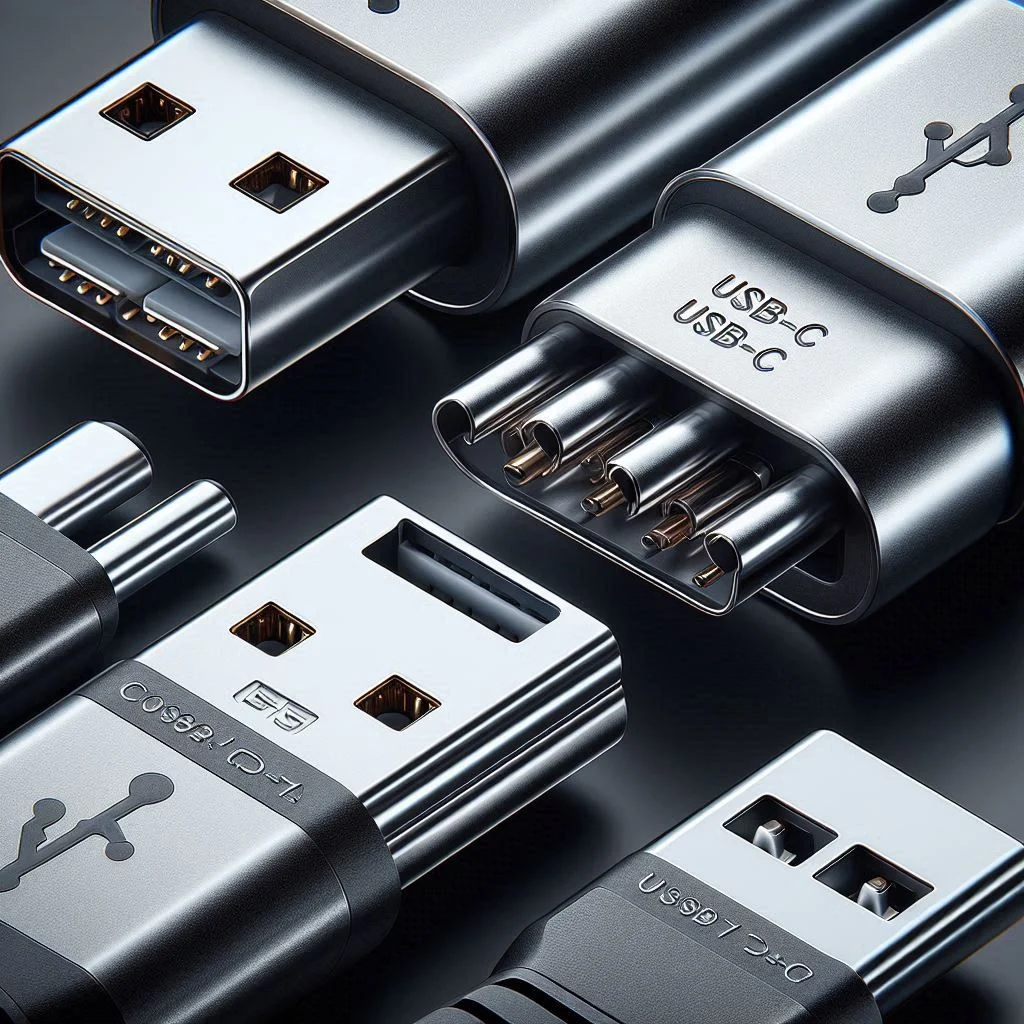
USB-C has become the new universal standard.
Most modern devices now use USB-C because it reduces the need for multiple cable types.
Instead of carrying separate cables for:
- Phone
- Laptop
- Tablet
- Headphones
you can often use a single USB-C cable for all of them.
Governments and manufacturers are also pushing toward USB-C adoption. In many regions, manufacturers are now required to use USB-C for new devices.
Even Apple has moved newer iPhones from Lightning to USB-C.
As more devices adopt USB-C, USB-A will gradually become less common.
USB-A Still Has Some Advantages
Although USB-C is more advanced, USB-A is not completely obsolete.
USB-A still has some practical benefits:
- It is compatible with many older devices
- It is commonly found on existing chargers and computers
- USB-A accessories are often cheaper
- Many cars and TVs still use USB-A ports
If you use older devices, you may still need USB-A cables or adapters.
For example, older printers, USB drives, and external hard drives often still use USB-A connections.
USB-A vs USB-C Compatibility
A common question is whether USB-A and USB-C work together.
The answer is yes—with the right cable or adapter.
You can use:
- USB-A to USB-C cable
- USB-C to USB-A adapter
For example:
- A USB-A charger can charge a USB-C phone using a USB-A to USB-C cable
- A USB-C laptop can connect to a USB-A flash drive using an adapter
However, there are limitations.
If you use USB-C with an older USB-A charger, you may not get the full charging speed or data speed that USB-C is capable of.
To enjoy the full benefits of USB-C, both the charger and cable should support USB-C.
Which Is Better for Fast Charging?
USB-C is clearly the winner for fast charging.
Modern fast-charging standards such as:
- USB Power Delivery
- Qualcomm Quick Charge
- Samsung Super Fast Charging
work best through USB-C.
If you want:
- Faster phone charging
- Laptop charging
- Better efficiency
- Less heat
then USB-C is the better option.
USB-A can still charge devices, but it is slower and less powerful.
Which Is Better for Gaming and Accessories?
For gaming accessories, the answer depends on the device.
Many gaming consoles and PCs still include USB-A ports for:
- Controllers
- Headsets
- Keyboards
- Mice
However, newer gaming devices increasingly use USB-C for:
- Charging controllers
- Connecting accessories
- Faster data transfer
For example, modern gaming handhelds and accessories often use USB-C because it is more versatile.
USB-A vs USB-C: Quick Comparison
| Feature | USB-A | USB-C |
|---|---|---|
| Shape | Rectangular | Small oval |
| Reversible | No | Yes |
| Charging Speed | Slower | Much faster |
| Laptop Charging | No | Yes |
| Data Transfer | Up to 10 Gbps | Up to 40 Gbps |
| Video Output | No | Yes |
| Modern Device Support | Limited | Excellent |
| Future-Proof | Less | More |
Which One Should You Choose?
Choose USB-A if:
- You use older devices
- You already own older chargers and accessories
- You do not need fast charging or high-speed transfer
Choose USB-C if:
- You want faster charging
- You need faster file transfers
- You use modern devices
- You want one cable for multiple devices
- You want a future-proof setup
For most people in 2026 and beyond, USB-C is the better long-term choice.
Final Thoughts
The difference between USB-A and USB-C is much more than appearance.
USB-A is the older standard that still works well for basic charging and older devices. USB-C is the newer, more advanced connector designed for today’s fast, powerful, and versatile technology.
USB-C offers:
- Faster charging
- Faster data transfer
- Reversible design
- Support for video and laptop charging
- Better compatibility with future devices
While USB-A is still useful, USB-C is clearly the future.
If you are buying a new charger, cable, power bank, or accessory, choosing USB-C will give you better performance and longer-term value.

